
Start a post
- From your catalogPick a product, new or on sale, and get a draft.
- From one ideaType a sentence and get a draft. Add your own photo to use in its image.
- From blogs you followFollow your blog, a friend’s blog or an industry blog, and repost in your own voice.
- From saved ideasType a theme, get post ideas, and save the ones you like for later.
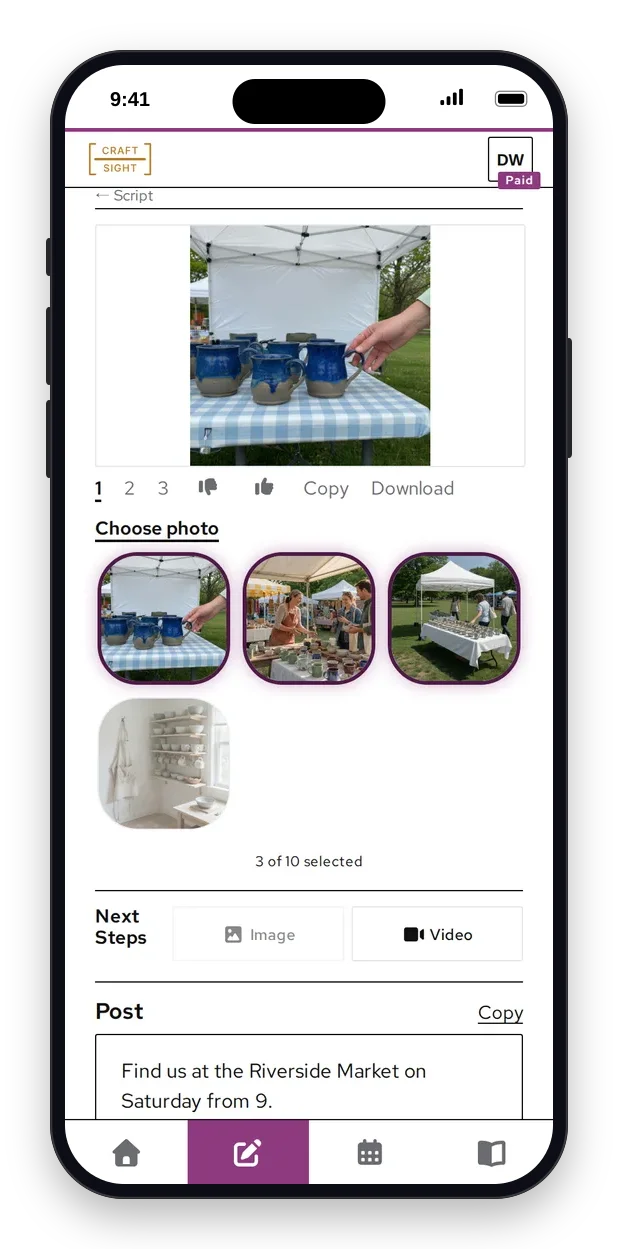
Make it look right
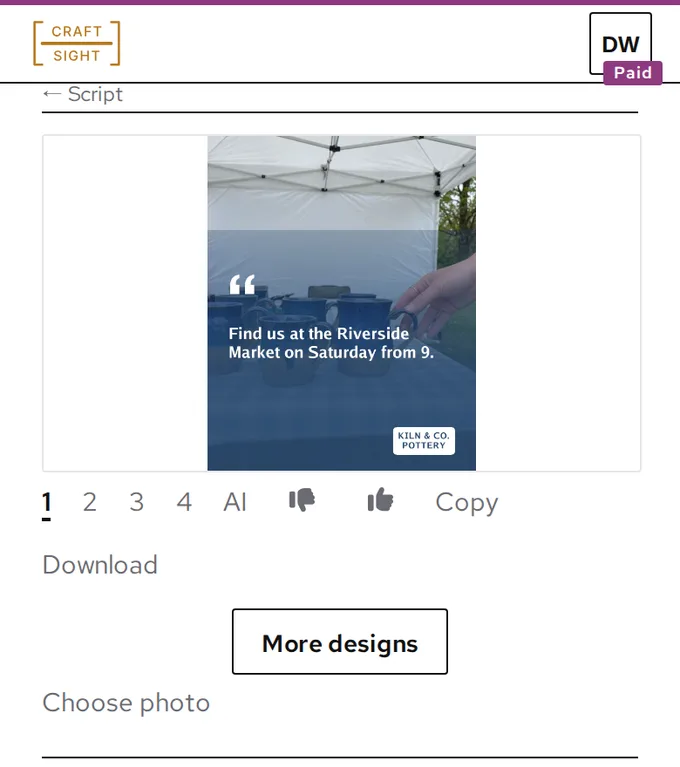
- ImagesAn image for each script, sized for Instagram, or a carousel of photos. Designed cards from your own photos on every plan, AI images on Paid and Pro.
- Your own photoUse your own photo or the original product photo instead.
- Short videosTurn an image into a short video that starts from it.
- StoryboardA timed shot list with scene pictures, for when you want to film it yourself.
Plan your week
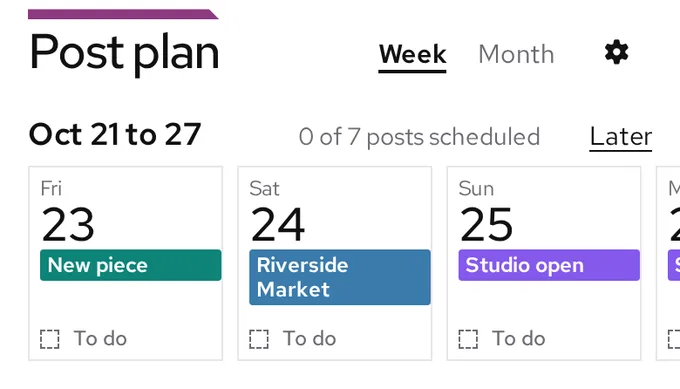
- Posting calendarSet how many posts you want each day, and pick what each one is about.
- Walk the weekGo through the week one day at a time and approve each post.
- Schedule and changePost now or later, then reschedule or cancel a scheduled post.
- Google CalendarRead-only. Add your events in Google, and we pull them in.
- Event recapsRecap posts 1, 3 and 7 days after each event, using its new photos and pointing to your next event.
- FlyersMake a flyer for an event from your own photo, square or portrait. Pro downloads it without our mark.
Stay in charge
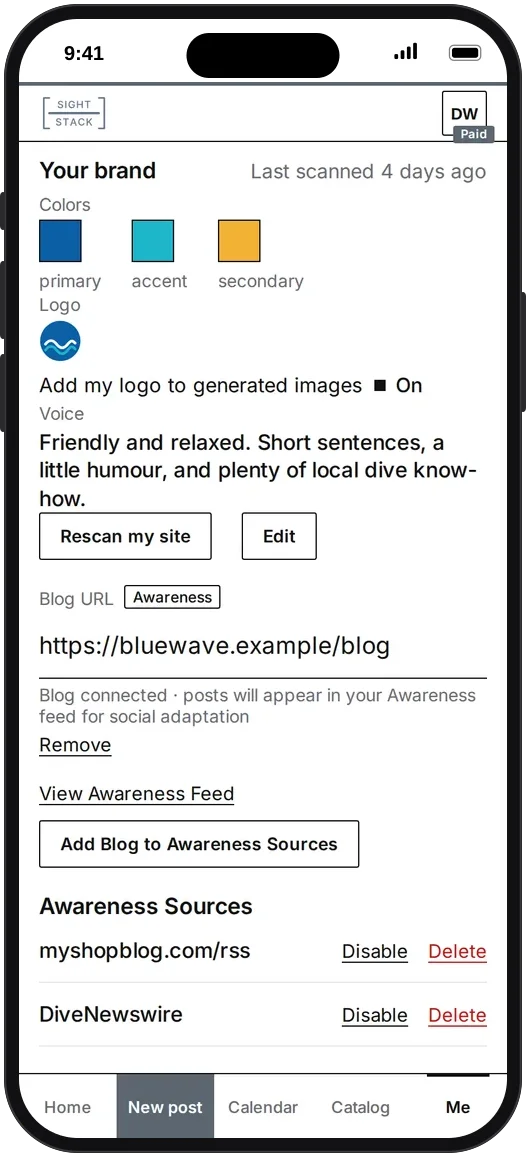
- Your brandYour logo, colors and a summary of your voice, read from your website. Fix the colors and the summary if they are off.
- Your teamInvite your staff to help. Authorized Posting, Not Automatic.
- Thumbs up and downRate each draft, with a reason. Your ratings shape the styles you get next.
See what went out
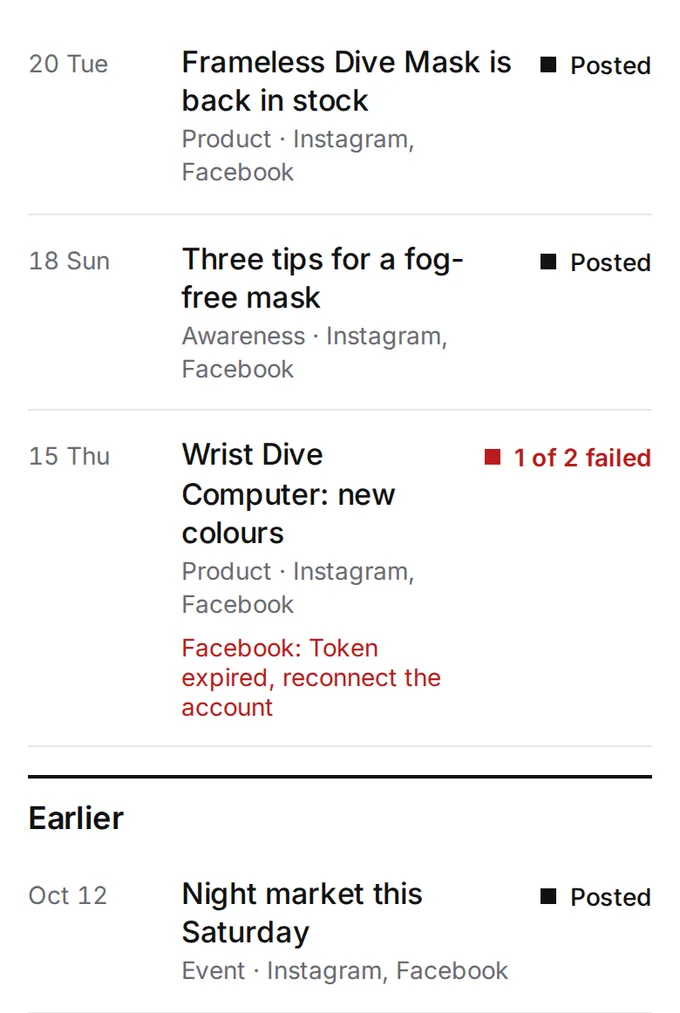
- Post historyEvery post, with its status on each account, so a failed post never hides.
- UsageSee how many scripts, images and videos you have left.
- Post insightsComing soon: see which posts get people talking, and make more of what works.
For makers
- New piecesPick a piece from your catalog and get a draft.
- Workshops and market daysAdd an upcoming date, then pick it for a draft.
Sign Up
Nothing posts until you approve it. We will email you a link to set your password.